 blog
blog
How to Use MetaTrader 5: 7 Steps for Beginners
Quick Summary
MetaTrader 5 is a trading platform you can use on desktop, phone, or browser to watch prices, place trades, and test automated strategies in one place. Beginners should start on a demo account, where the platform works the same but no real money is at risk.
- Install MT5 and log in with the login number, password, and server name your broker provides.
- Use Market Watch for your symbols, charts for price action, and the Terminal for open trades and history.
- Place orders with New Order or F9, and always attach a stop loss and take profit.
- Calculate lot size from your stop distance so that you risk only 1% of your account per trade.
- Practice on a demo account for at least a week before moving to a small live account.
Table of Contents
- What MetaTrader 5 Is and What You Use It For
- Installing MT5 and Logging In to a Demo Account
- How to Place Orders on MetaTrader 5
- How to Set Stop Loss and Take Profit on MT5 and Manage Risk
- How to Use an Expert Advisor on MetaTrader 5 and Avoid Common Beginner Errors
- Your First Week: Practice on a Demo Account Before Going Live
- Frequently Asked Questions
What MetaTrader 5 Is and What You Use It For
Last Updated: November 1, 2026
MetaTrader 5 is a trading platform for desktop, phone, or browser. It lets you watch prices, place trades, and test automated strategies in one place. (Source: MetaQuotes' official website)
Think of it as the control room for your trades: charts, positions, and software that trades for you.
Here is what most beginners use it for:
- Watching live prices for forex pairs, gold, and indices
- Placing buy and sell orders
- Checking open trades and past trade history
A common mistake is treating MT5 as a learning tool before you understand the basics. Start with a demo account.
Installing MT5 and Logging In to a Demo Account
Getting set up takes about 15 minutes. Download the software from your broker or the MetaQuotes website and install it like any other program.

After installing, open the app and choose "File" then "Open an Account." Select your broker and a demo account.
Enter those three details at the login screen. If login fails, check that you picked the right server, the most common error for new users.
Navigating the Desktop Interface, Market Watch and Charts
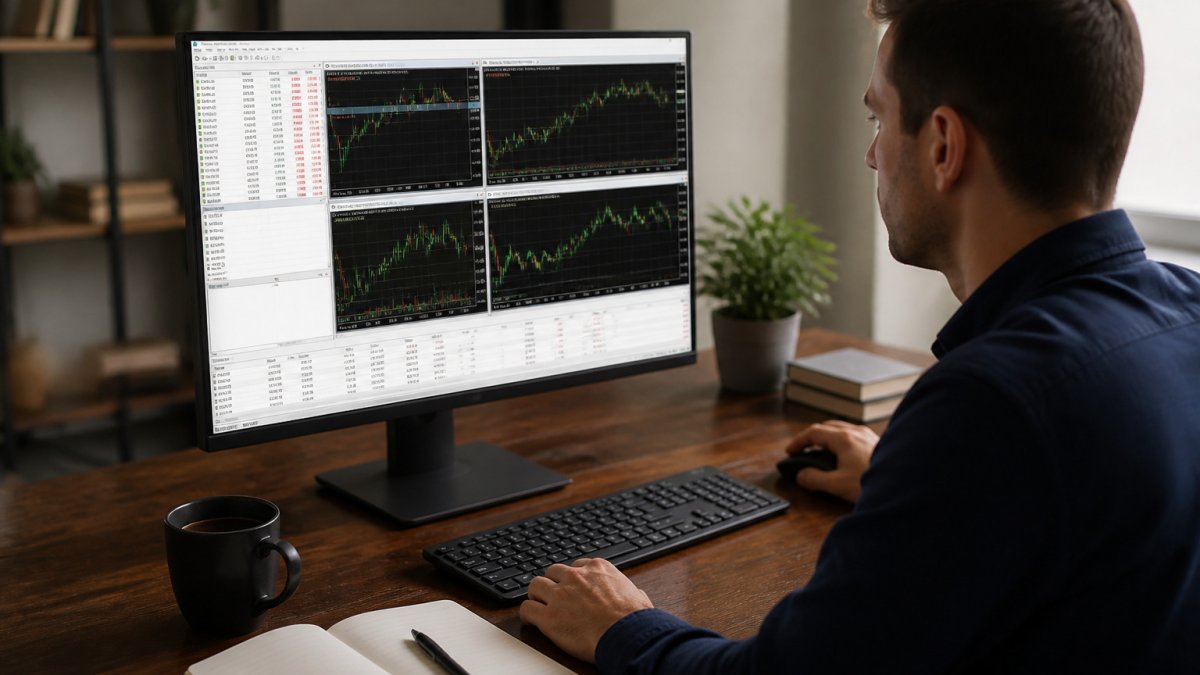
The layout looks busy at first. Focus on three areas:
- Market Watch: The list of symbols you can trade. Right-click to add or remove pairs.
- Charts: Each chart shows one symbol; change the timeframe from one minute to one day.
- Terminal: The bottom panel showing open trades, history, and account balance.
Keep only the symbols you plan to trade in Market Watch. Too many symbols makes the list hard to read.
Desktop, Web and Mobile Differences
MT5 works on desktop, in a browser, and on phones. Desktop has every feature, web is good for quick checks, and mobile is best for monitoring trades away from your desk.
Placing complex orders, running indicators, or setting up automated strategies is easiest on desktop. Use mobile for checking and closing positions.
How to Place Orders on MetaTrader 5
To place a trade, open a chart for the symbol you want, then click "New Order" in the toolbar or press F9. Choose Buy or Sell, set your volume (lot size), optionally add Stop Loss and Take Profit, and confirm.
Before you click the button, look at the two prices at the top of the window. The lower is the bid (what you sell at) and the higher is the ask (what you buy at); the gap is the spread. Spreads on major pairs vary with market hours and widen around news releases and at market open.
The Four Order Types You Will Actually Use
MT5 offers more order types than most beginners need, but four cover almost every situation:
- Market order: Fills immediately at the best available price. Use it when you want in or out now.
- Buy Limit: Places a buy order below the current price. You use it when you expect price to dip to a level and then rise.
- Sell Limit: Places a sell order above the current price. You use it when you expect price to rise to a level and then fall.
A fifth type, the Stop Limit, combines a stop trigger with a limit price: once the stop level is hit, a limit order is placed rather than a market order. It gives you price control but risks not filling if price moves too fast.
A simple way to remember the difference: limit orders wait for price to come back to you; stop orders wait for price to run away from you.
Execution Details Beginners Trip Over
- Slippage: The difference between the price you requested and the price you got. Can occur on market orders during fast moves or news. Limit orders do not slip past your price, but may not fill at all.
- Requotes: A broker may reject your requested price and offer a new one, more common on market execution accounts during volatility.
- Fill settings: Options like Fill or Cancel, Immediate or Cancel, and Return control how much of your order must fill and whether the remainder is cancelled. For beginner-sized trades on liquid pairs, the default usually works.
A Worked Example
Suppose EUR/USD is trading at 1.0850 / 1.0852 (bid / ask). You think price will dip to 1.0830 and then rise, so you place a Buy Limit at 1.0830 with a stop loss at 1.0810 and a take profit at 1.0870.
Check the spread and the symbol's contract size before you confirm. On most forex pairs one standard lot is 100,000 units of the base currency, which is why a one-pip move is worth roughly $10 on EUR/USD, a number that matters when you size the trade.
How to Set Stop Loss and Take Profit on MT5 and Manage Risk
A stop loss closes your trade if price moves against you by a set amount. A take profit closes it when price reaches your target.
In the order window, fill in the Stop Loss and Take Profit fields before confirming. You can drag the lines on the chart after entry, but that invites widening the stop when price approaches, the exact behavior that turns a small loss into a large one.
Position Sizing: The Math Most Beginners Skip
Risk management is not a feeling; it is arithmetic. Three numbers decide your loss on any trade:
- Account risk per trade, the most you are willing to lose, commonly 1% of your account.
- Stop distance, how far price must move against you to hit your stop, measured in pips.
- Pip value, what one pip is worth at your chosen lot size.
The formula is: Lot size = (Account × Risk %) ÷ (Stop distance in pips × Pip value per lot).
Worked example. You have a $2,000 demo account and decide to risk 1%, or $20, per trade. You want to buy EUR/USD with a stop 20 pips away. On a standard lot, one pip is worth about $10. So: $20 ÷ (20 × $10) = 0.10 lots.
Leverage: What It Actually Does
Leverage lets you control a position larger than your deposit. At 1:100 leverage, $2,000 of margin can support up to $200,000 notional. But leverage does not change your loss per pip; it only changes how much margin you must post. A 20-pip loss on 1.00 lot of EUR/USD is about $200 whether leverage is 1:30 or 1:500. What it changes is how quickly a losing position can consume your free margin and trigger a margin call or stop out.
Setting the Stop Where the Trade Is Wrong, Not Where the Loss Feels Small
A stop should sit at the price that proves your idea wrong, beyond a recent swing high or low, for example, not at a round number equal to a loss you can tolerate. If the correct stop is wider than your risk budget allows, use a smaller lot size, not a tighter stop. Tightening a stop to fit your lot size is how beginners get stopped out by normal noise and then watch price move to their original target.
Take Profit and Reward-to-Risk
Take profit is the mirror image: place it where the market is likely to pause or reverse, and check the reward-to-risk ratio before entering. A common guideline is at least 1.5 to 2 times your risk. A 1:2 ratio means a 40% win rate can still be profitable before costs; a 1:0.5 ratio means you need most trades to win just to break even.
Trailing Stops and Break-Even
Once a trade is in profit, you can move the stop to break-even or trail it behind price. In MT5, right-click the open position in the Terminal and choose Trailing Stop, or drag the stop line on the chart. Trailing stops protect gains but increase the chance of being closed out by a normal pullback. Test both approaches on demo before deciding which suits you.
The article's risk rules come down to three numbers you should settle before every trade.
| Item | Value | Note |
|---|---|---|
| Risk per trade | 1% of account | Example: $20 on a $2,000 account |
| Stop distance | 20 pips | Example EUR/USD stop |
| Pip value | About $10 per pip | Per standard lot on EUR/USD |
| Lot size | 0.10 lots | Calculated as $20 ÷ (20 × $10) |
| Reward-to-risk | At least 1.5 to 2 times risk | Common guideline in the article |
| Leverage effect | Changes margin, not loss per pip | 20-pip loss is about $200 on 1.00 lot at any leverage |
How to Use an Expert Advisor on MetaTrader 5 and Avoid Common Beginner Errors
An Expert Advisor, or EA, is a program that places trades for you based on rules you set. You load it onto a chart, turn on automated trading, and it runs.
Before asking whether automated trading bots are worth using, understand what they do well and what they do not.
Common beginner errors with EAs include:
- Running an EA on a live account before testing it on demo
- Ignoring the expert settings and running default values
- Turning on automated trading but forgetting to allow it in the toolbar
Test every EA on a demo account for at least several weeks. Watch how it behaves in different market conditions.
Your First Week: Practice on a Demo Account Before Going Live
Spend your first week on a demo account. Use the time to learn the layout, place small test trades, and set stops on every position.
A simple daily routine works well:
- Open MT5 and check your demo balance
- Pick one symbol and watch its chart for 20 minutes
- Place one small trade with a stop loss and take profit
- Close the trade and note what happened
- Review your notes at the end of the day
Track your results in a notebook or spreadsheet. Look for patterns in the trades you lose.
Real income expectations matter too. See the real math behind making $100 a day on forex before deciding what to aim for.
When you feel comfortable on the demo, move to a small live account.
Frequently Asked Questions
How do I start trading forex as a beginner?
Start with a demo account so you can practice without risking money. Learn how orders, stop losses and position sizing work on MT5, then trade small amounts on a live account only once you understand your platform and your risk limits. Keep a written record of each trade and review it weekly. Regulated brokers publish their terms, and you should read them before depositing any funds. Nothing in forex is guaranteed, so treat early results as learning, not income.
How do I open a demo account on MT5?
Open MetaTrader 5, select File and then Open an Account, and choose a broker that offers demo accounts. Enter the requested details, select the demo option, and set the starting balance the broker allows. The platform then gives you a login number, password and server name. Save these, log in from the Account menu, and confirm the account type shows as demo before placing any test trades.
How do I set stop-loss and take-profit orders in MetaTrader 5?
When placing an order, enter values in the Stop Loss and Take Profit fields of the New Order window. You can also right-click an open position in the Trade tab and choose Modify or Delete to add or change them later. Set the stop loss at a price where your trade idea is invalid, and set the take profit at your target. Check the values carefully, because a stop loss placed on the wrong side of the price is rejected or closes the trade immediately.
Can beginners use MetaTrader 5?
Yes. MT5 is widely used by beginners, but the interface has many panels, so learn it in stages. Start with Market Watch, one chart and the New Order window. Practice on a demo account until placing, modifying and closing trades feels routine. Use the built-in help and your broker's tutorials for features you do not need yet, such as custom indicators or automated trading.